Workforce Management Software for Small Business: What to Look For in Australia
A practical Australian guide to choosing workforce management software for onboarding, availability, rosters, attendance, timesheets and payroll handoff.
13 October 2026
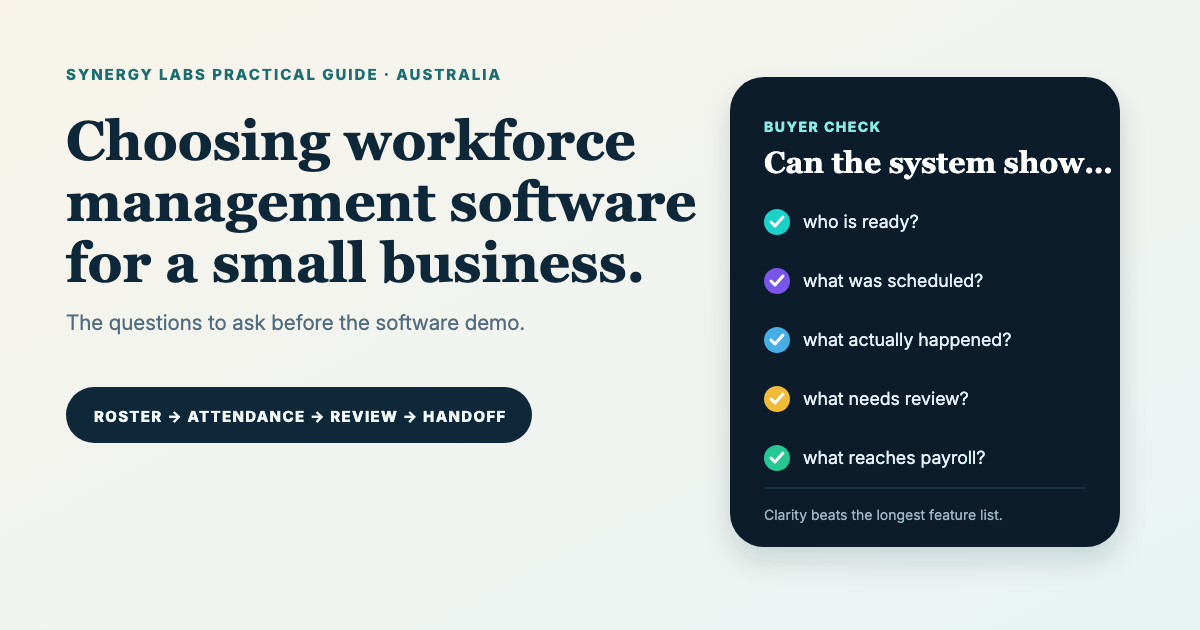
Workforce management software for a small business should make everyday work easier to understand. It should show who is available, what has been scheduled, what actually happened, which records need review and what information is ready to move into payroll.
That sounds simple. In reality, many Australian service businesses build the process gradually. Employee details sit in folders. Availability arrives by text. The roster lives in a spreadsheet or group chat. Clock times come from paper, a form or a separate app. Managers then rebuild the week before payroll.
The right software is not necessarily the product with the longest feature list. It is the product that matches the operating model, preserves accurate records and gives each person a clear next action. This guide explains how to assess that fit.
Scope note: this article provides general operational guidance, not legal, payroll or industrial-relations advice. Awards, agreements, contracts and business circumstances differ. Check current requirements with the Fair Work Ombudsman and an appropriately qualified adviser.
What is workforce management software?
Workforce management software coordinates the people side of delivering work. Depending on the product and configuration, it can cover employee records, onboarding, availability, leave requests, rosters, attendance, breaks, timesheets, approvals, reporting and payroll handoff.
It is useful to separate this category from adjacent systems. Human resources software may focus on employment records, policies, performance and the employee lifecycle. Field-service software may focus on jobs, dispatch, assets and customer work. Payroll software calculates and processes pay. Workforce management sits around the daily plan and the evidence of work performed, although products can overlap.
A small service business often needs connections between these categories rather than a single product that claims to replace every specialist. The important question is whether customer demand, scheduled work, attendance and reviewed time can move through the operation without repeated re-entry or missing context.
Start with the workflow, not the software demo
Before comparing vendors, write down one normal week. Identify how a worker joins the business, provides availability, receives a shift, learns about a roster change, clocks in, records a break, clocks out, requests a correction, reviews a timesheet and reaches the payroll process.
For each stage, record:
- the person responsible;
- the information required;
- the source of truth;
- the decision or acknowledgement involved;
- the exception path;
- the next system or person receiving the result.
This map exposes the real buying criteria. A café with fixed locations may prioritise fast roster publication and clocking. A mobile maintenance team may need job sites and travel context. A cleaning business may need recurring work, multiple locations and clear corrections. A professional-service team may care more about project time, approvals and reporting than a traditional roster.
Do not let a polished demonstration define the problem for you. Ask the vendor to follow your scenario, including the awkward part where a shift changes, someone forgets to clock out or the recorded time differs from the plan.
1. Employee records and onboarding
The employee record should give authorised users a reliable view of the worker and the information required for the configured process. That may include engagement details, role, location, contact information, relevant documents, onboarding tasks and status.
Look for controlled access, clear ownership and an understandable completion state. More fields are not automatically better. Collecting information that nobody needs creates privacy and maintenance risk. The onboarding flow should show the worker what is required, allow the business to review it and avoid duplicating sensitive details in ordinary notes or messages.
Ask how corrections, document expiry, role changes and former-worker records are handled. Also ask what can be exported if you leave the platform. A system is easier to trust when the lifecycle of the record is visible from the beginning.
2. Availability, leave and roster planning
Availability, leave and a published roster are different states. Availability tells the business when a person may be considered for work. A leave request asks for a decision. The roster communicates work the business has planned and issued.
Good software keeps those meanings separate while making conflicts obvious. Managers should be able to see gaps, locations and relevant constraints without treating every preference as a hard rule. Workers should be able to understand what is proposed, what is confirmed and what is still awaiting a decision.
Fair Work notes that awards, enterprise agreements and other registered agreements can contain rules about hours, breaks, roster changes and how and when employees receive rosters. The software should support the organisation's configured process, but a generic feature does not interpret every applicable rule automatically. Review the current Fair Work guidance on hours, breaks and rosters and obtain advice for your situation.
3. Roster publication and change history
A roster is more than a grid. It is a communicated plan. The system should identify the relevant week or period, publication state, worker, location, start and finish, and any later update.
Ask what happens after publication. Can a manager see which version is current? Does the worker receive a clear notice? Can the system distinguish opening a notice from acknowledging it? Is the previous value available when a material change needs review?
These details become important during disputes or ordinary confusion. A chat message saying “I changed Thursday” is not a reliable change history. The workflow should make the update understandable without pretending that an acknowledgement means agreement with every underlying decision.
4. Attendance and clock events
Attendance tools record what happened. At minimum, the business may need clock-in, clock-out and break events attached to the correct worker, location and issued work. Some businesses also need device, geolocation or job context, but those controls should be proportionate and transparent.
Check how the system handles missing events, late entries, offline use, overnight shifts, multiple sites and daylight-saving or timezone boundaries. Ask whether the original event and later correction both remain visible. A correction process is safer than silently rewriting history.
The interface should also avoid misleading totals. A session's worked duration belongs in the session summary, not repeated under every event as if each clock entry represents another block of work. Event rows should show event type and timestamp. The calculated total should come from the authoritative configured logic.
5. Scheduled time versus recorded time
This is one of the most important buying checks. Scheduled time is the rostered plan. Recorded time is the actual attendance evidence. Worked time is the calculated duration used by the operational workflow. Breaks may be planned or recorded. These values can legitimately differ.
A useful system labels them accurately wherever the same work appears: worker home, today's work, attendance detail and timesheet. It should not present the planned shift as though it explains the recorded total, and it should not overwrite attendance with roster duration.
When a screen displays minutes without seconds, a manager should not manually recalculate an authoritative total from the rounded display. The product needs documented rounding, break and overnight rules. If award interpretation or complex pay rules are required, confirm exactly which system owns that calculation and who validates the setup.
6. Timesheets, corrections and approvals
A timesheet should bring the relevant attendance records into a reviewable period. Workers need the selected week, entries, recorded total, correction path, status and submission action. Managers need exceptions, review context and a controlled approval path.
Look for distinct statuses. A completed attendance record, an item awaiting manager review, a draft weekly timesheet and an approved timesheet are not interchangeable. If the product displays all of them as “complete,” users may stop noticing where action is required.
Test zero-hour weeks, active shifts, corrections after submission and rejected or reopened records. Ask whether the acknowledgement appears before submission and whether the eligibility rules match the business process. No software should submit a timesheet automatically merely because the end of the week arrived.
7. Payroll handoff and compliance boundaries
Some workforce products include payroll. Others export or connect reviewed time to a payroll system or accountant. Both models can work, but the boundary must be explicit.
Ask which data moves, in what format, with which identifiers, after whose approval and what happens when the destination rejects a record. Confirm whether rates, allowances, penalties, overtime and award interpretation are calculated by the workforce product, by payroll or by a human reviewer.
The Fair Work Ombudsman says employers must keep time and wage records for seven years, keep them accessible, legible and in English, and avoid false or misleading records. It also explains that employee records are private and confidential, with access limited to appropriate people. Read the current Fair Work record-keeping guidance and its record-keeping and pay slips fact sheet.
Software can support accurate capture, review, retention and export. It cannot remove the employer's responsibility to configure and operate the process correctly.
8. Worker experience on a phone
Many employees will use the product on a phone between real tasks. Test the worker experience at a narrow width and with enlarged text. A shift title, location, time and action should not be squeezed into one row by oversized status badges.
The worker should see today's priority quickly. Secondary settings need to remain reachable without displacing the work. Week navigation should be compact, dates should wrap cleanly and correction actions should not crush the attendance title.
Also inspect modal sheets, fixed bottom navigation and safe areas. The final account actions must remain reachable. Background content should not scroll or receive focus while a modal is open. These details sound visual, but they decide whether people can complete basic work reliably.
9. Permissions, privacy and auditability
Workforce data can contain identity, contact, employment and time information. The product should make role-based access understandable, keep sensitive actions traceable and avoid exposing manager functions to workers who do not need them.
Ask about authentication, backups, retention, incident response, data location, subcontractors, exports and deletion. Confirm how the platform handles active and former workers. If the organisation uses connected services, understand the permissions granted and how access is revoked.
Do not assume every small business or every employee record is treated identically under Australian privacy law. The OAIC explains that the private-sector employee-records exemption applies only in particular circumstances and does not cover uses unrelated to the employment relationship. Review the OAIC employee records guidance for current general information.
10. Implementation and change management
A good product can still fail when the implementation is vague. Decide which records will migrate, which workflow goes live first, who approves configuration and how workers will learn the new process.
Use isolated sample data to test normal and exceptional scenarios before importing live records. Test a roster change, missed clock-out, correction request, overnight shift, week submission, manager review and rejected payroll handoff. Write down the expected result for each test.
Keep the first rollout narrow enough to support. A business may begin with people, roster and attendance, then add onboarding or payroll connection after the daily process is stable. The purpose is not to activate every module. It is to establish one complete and trustworthy operating cycle.
A practical workforce software checklist
- Can the team explain the complete workflow from worker setup to payroll handoff?
- Are availability, leave, scheduled work and attendance separate states?
- Are roster versions and meaningful changes identifiable?
- Are scheduled, recorded, worked and break values labelled accurately?
- Can workers request corrections against the relevant record?
- Are draft, submitted, reviewed and approved statuses distinct?
- Does the worker experience function well on a phone?
- Do permissions reflect manager and worker responsibilities?
- Is the payroll boundary explicit and testable?
- Can records, changes and approvals be exported and reviewed?
- Are privacy, retention, backup and security responsibilities documented?
- Does the implementation include sample-data testing and team handover?
Where SynQ Workforce fits
SynQ Workforce connects people, agreements, onboarding, availability, rosters, attendance, timesheets and payroll handoff inside the wider SynQ operating environment. Its purpose is to keep the team delivering the work connected to the customer and job context that created the work.
Synergy Labs handles the implementation layer: mapping the current process, defining rollout boundaries, configuring the relevant modules, testing the handoffs and supporting launch. Availability depends on the selected configuration and scope. SynQ is not positioned as payroll or industrial-relations advice.
See the SynQ Workforce implementation showcase for a transparent demo-data walkthrough of the complete cycle.
Choose clarity over the longest feature list
The best workforce management software for a small business is the one the team can operate consistently and the manager can review confidently. It preserves the difference between the plan and the record, keeps corrections visible and moves approved information to the next stage without guesswork.
If your current process relies on spreadsheets, group messages and end-of-week reconstruction, start by mapping one week. That map will tell you which features matter, which integrations are essential and where a product such as SynQ can create a cleaner operating rhythm.